A Project is a dedicated workspace within Claude that groups multiple chats around the same goal, together with a shared project knowledge base and custom instructions that apply to every chat in that project. Each project has its own chat history, separate from regular chats and from other projects.
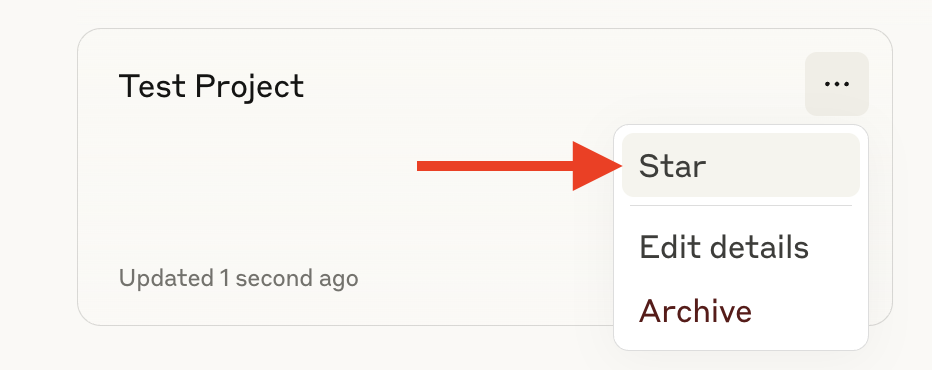
Creating a project: go to claude.ai/projects (or hover over the left sidebar and select "Projects"), click "+ New Project", and give it a name and short description (note: Claude does not read this description — it's just an internal note for users). Free accounts are limited to a maximum of 5 projects; paid plans (Pro, Max, Team, Enterprise) have no limit on the number of projects.

Project knowledge: in the right-hand panel of a project, click the "+" to upload documents, text, code snippets, or other files — Claude will use these as context for every chat in the project. Conversation context in one chat is not automatically shared with other chats in the same project unless it's added to the knowledge base. On paid plans, when project knowledge approaches the context window limit, Claude automatically switches on RAG (Retrieval-Augmented Generation) mode, expanding the project's storage capacity by up to 10x while maintaining response quality; if the data drops back below the threshold, the system may automatically switch back to loading context directly.
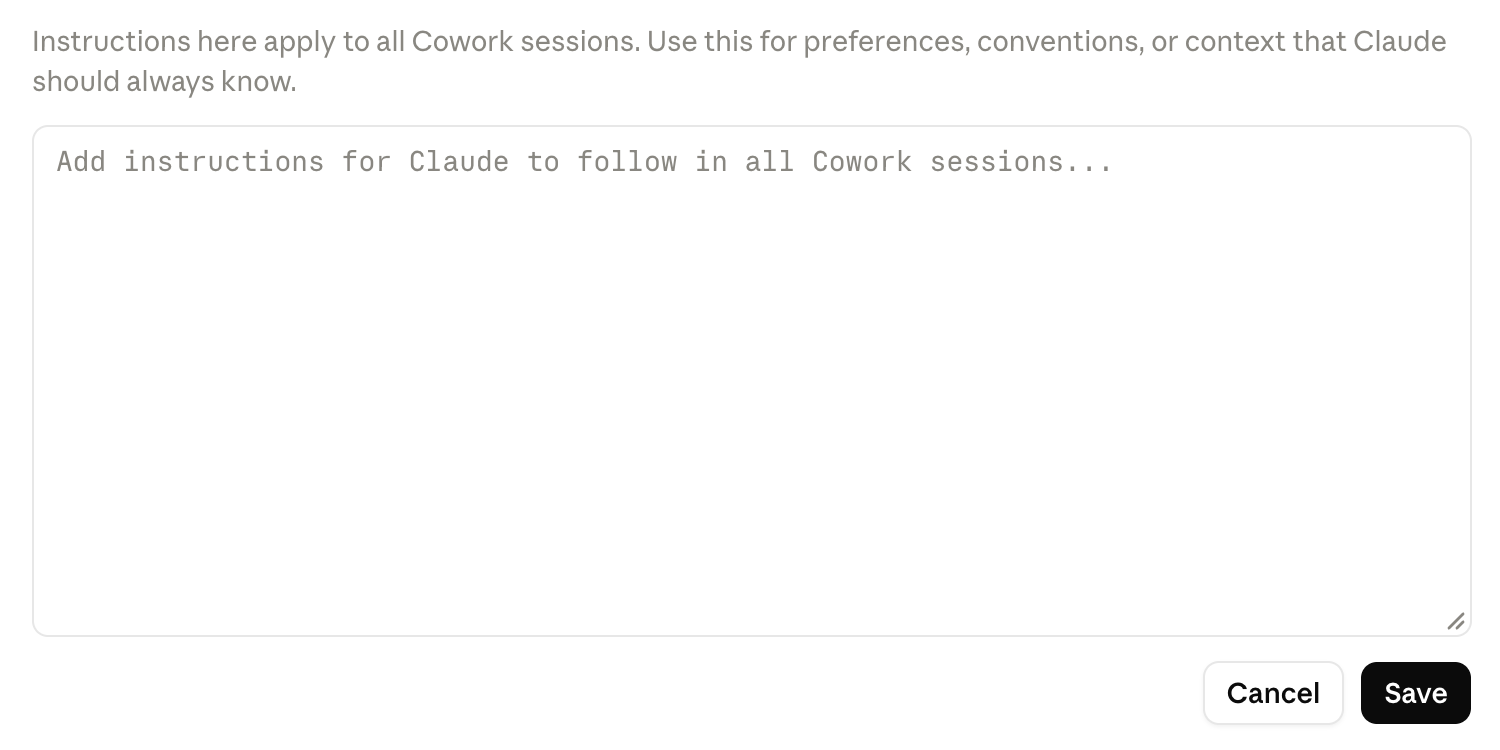
Project instructions: click "Set project instructions" to define tone, area of expertise, response rules, etc., applied consistently across every chat in the project — very useful for giving each department its own response "framework."
Source: What are projects? · How can I create and manage projects? · RAG for projects
Sharing projects within the organization (Team/Enterprise only, applicable to Bluemarq): each project can be in one of two visibility modes:
| Mode | Who can see it | Notes |
|---|---|---|
| Private | Only the creator and explicitly invited members | Invite by name/email or paste a bulk list of emails; permissions are either "Can view" (view, chat within the project, cannot edit) or "Can edit" (edit instructions, manage knowledge, add/remove members) |
| Organization-wide (Public) | Every member of the Bluemarq organization, visible via the "Team" tab in Projects | Individual chats inside a public project remain private unless explicitly shared |
Whether organization-wide project creation is allowed is controlled by the org admin at the organization settings level — if the admin disables this option, users can only share projects via individual invitations (private), not publish them to the whole of Bluemarq. When a project is archived, all sharing permissions are reset to private for security.
Source: Manage project visibility and sharing