Training & FAQ

User Training — Roadmap & Checklist

View source ↗

This section is for Bluemarq's 25 end users — a getting-started roadmap from the basics through to advanced features. Each item links to the corresponding detailed section in this document.

Session 1 — Foundations (required for all users):

ContentExpected outcome
Log in with Microsoft SSOSign in to claude.ai with the company account (Entra ID), not a separate password — see Setting up SSO with Microsoft Entra ID
Interface & conversationsStart a new chat, choose a model, rename/archive chats, upload attachments
Effective promptingSet context, state clear goals & output format, provide examples, request step-by-step revisions
Data safetyUnderstand what data may and may not be shared with Claude — see the safety checklist below

Session 2 — Working with projects & documents:

  • Projects — create projects around workflows, load shared knowledge, set custom instructions, share within the team. See Projects.
  • Design & Artifacts — create documents, diagrams, mockups, visual slides, and share internally. See Design & Artifacts.
  • Connectors — connect and use data sources (Google Drive, Microsoft 365, Slack, etc.) approved by the IT department. See MCP & Custom Connectors.

Session 3 — Automation & collaboration (for advanced / authorized users):

  • Skills — use built-in skills (PowerPoint, Excel, Word, PDF) and internal skills to automate repetitive tasks. See Skills.
  • Cowork — hand Claude multi-step tasks across files and the browser. See Claude Cowork.

Data safety checklist for Bluemarq users (Do & Don't):

  • Do: use Claude for drafting, summarizing, analysis, coding, translation, and brainstorming on ordinary work data.
  • Do: keep projects containing sensitive documents set to private, inviting only the right people.
  • Be careful: before sharing an artifact/conversation, remember the recipient will also see any attachments in the original conversation.
  • Don't: paste passwords, API keys, card/bank details, or customer personal data outside of what is permitted.
  • Don't: enable/connect a connector or install a Skill from a source not approved by the IT department.

A note on privacy (to reassure users): each person's chat content is private — administrators cannot read it through the admin interface, and Anthropic does not use Enterprise plan data to train its models. See details in Frequently Asked Questions: Users & Security.

Anthropic's official reference documentation for newcomers:

Source: Getting started with Claude.ai · Claude.ai Help Center
↑ Back to top

Frequently Asked Questions: Users & Security

Q. Can a company admin read an individual employee's private chat content?

No, not by default. Chat content is private and admins cannot browse it through the admin interface. The only way to access chat content is to request a formal data export, and only the Primary Owner has permission to request this (from Organization settings > Data and Privacy). Audit logs only record that a chat was created/renamed/deleted — they do not store the title or content, only an internal identifier.

Source: Who owns and manages the data of my team? · Access audit logs

Q. Does Anthropic use our chat content to train its models?

No, not by default. For commercial products (Claude for Work — Team/Enterprise plans — and the API), Anthropic does not use input/output data to train its models. Training only occurs if a user actively opts in, for example by submitting thumbs up/down feedback, and admins can fully disable this feedback feature for the entire organization at Organization settings > Data and Privacy > Rate chats.

Source: Is my data used for model training? (Anthropic Privacy Center)

Q. How long is our data retained? Can the period be shortened?

By default, data is retained indefinitely. Enterprise admins (Owner or Primary Owner) can configure a custom retention period, as short as 30 days, at Organization settings > Data and Privacy. Once the retention period expires, data is permanently deleted at midnight UTC and cannot be recovered.

Source: Configure custom data retention controls for Enterprise plans

Q. Who is the legal owner of our organization's data?

The organization (customer) is the data controller; Anthropic acts only as the data processor under a direct commercial agreement, not the terms of service for individual users. The Primary Owner manages the account, can request data exports, and can revoke any member's access at any time.

Source: Who owns and manages the data of my team?

Q. What do audit logs record, and who can view them?

Available on the Enterprise plan only. Audit logs record: sign-ins/sign-outs, member invitations/removals, chat and project lifecycle events (created/renamed/deleted), file uploads, SSO configuration changes, and data exports — each entry with a timestamp, actor, IP address, device, and platform. Only the Owner and Primary Owner can export logs, covering the most recent 180 days, delivered via a download link valid for 24 hours. Chat/project content is never included in audit logs.

Source: Access audit logs

Q. Can we see how employees use Claude without reading their chat content?

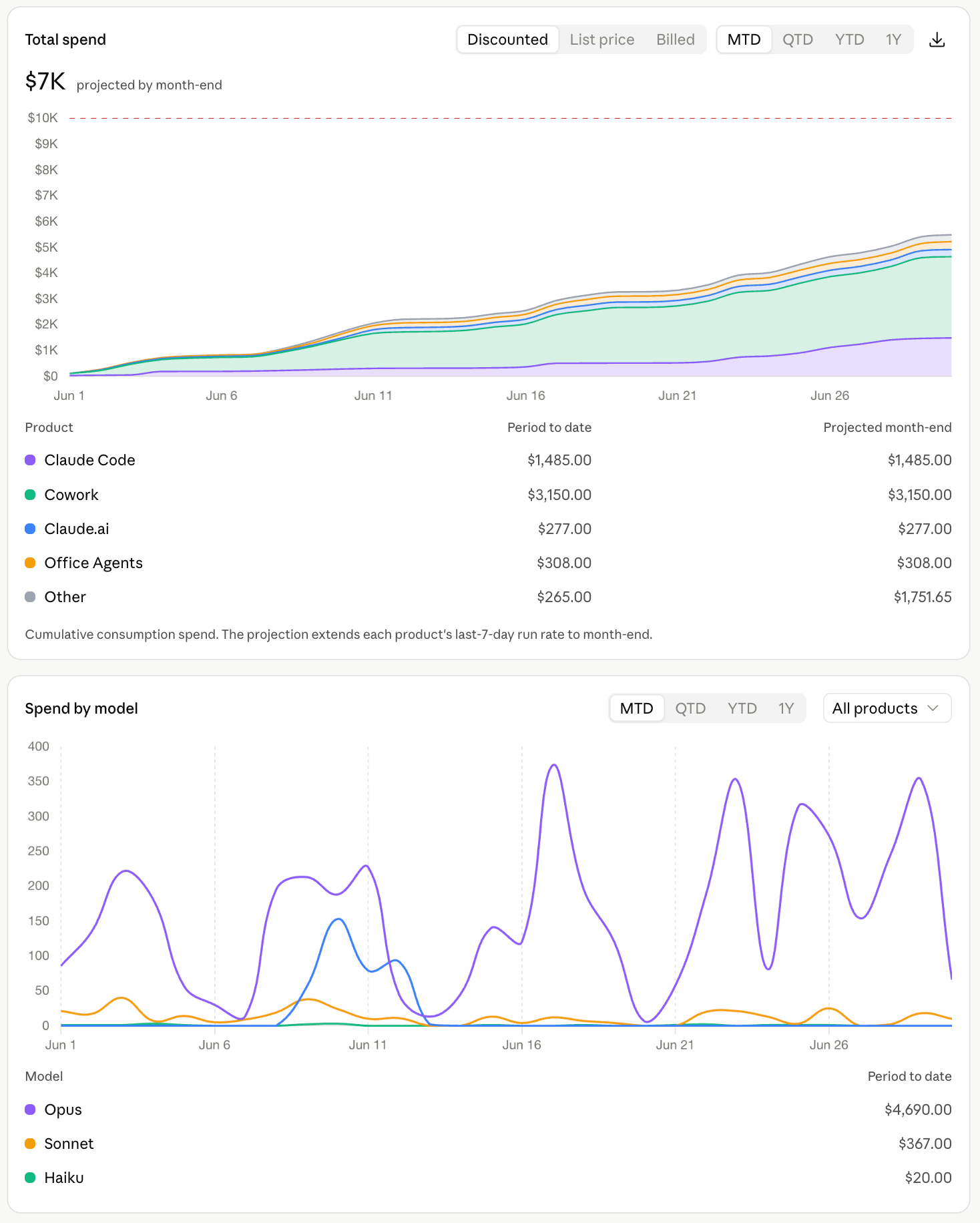
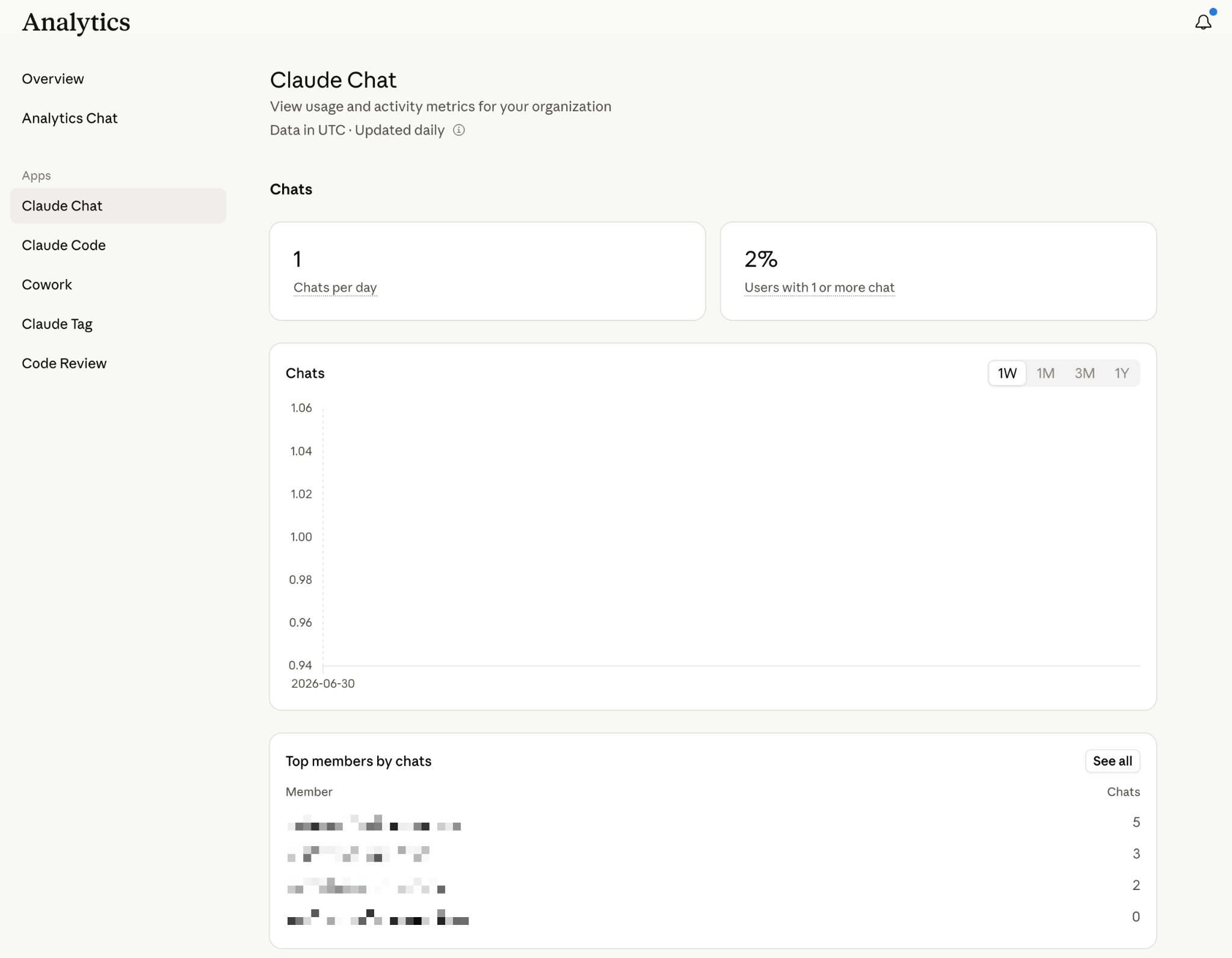
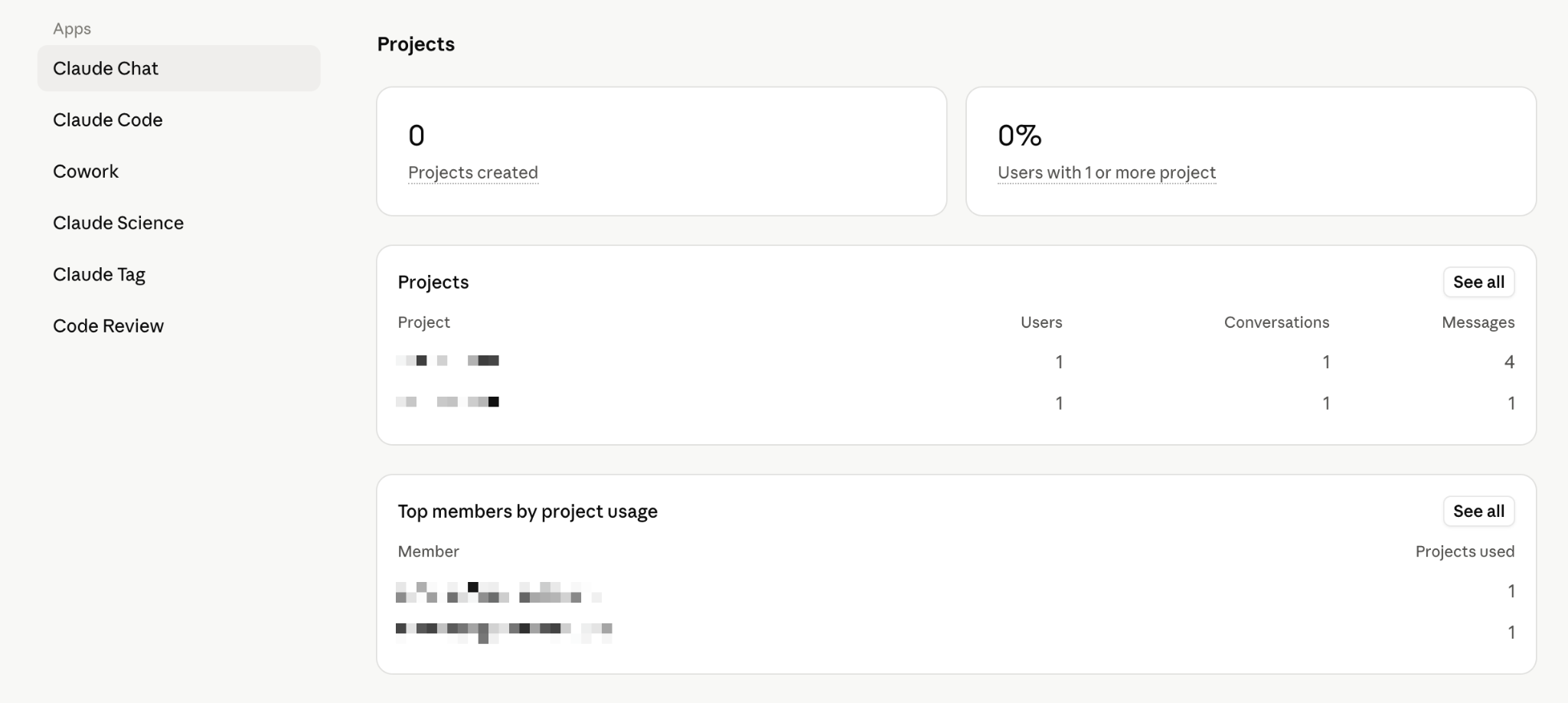
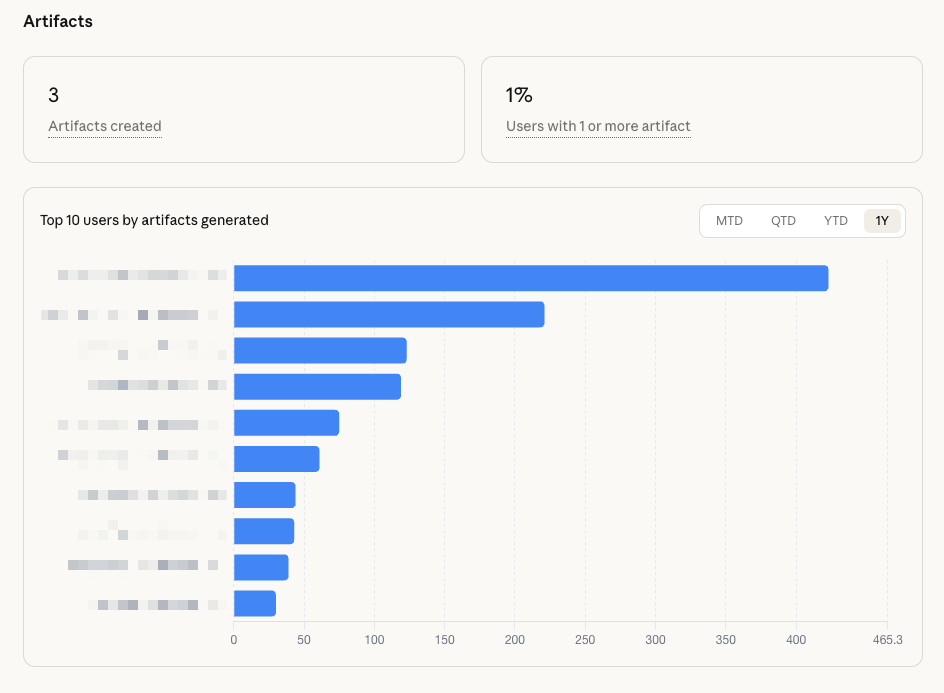
Yes. Usage analytics (number of active members, number of sessions, usage level of each feature such as Chat/Claude Code/Cowork, token consumption, estimated cost) is visible to the Owner and Primary Owner on both Team and Enterprise plans, and to Admins on the Enterprise plan (excluding the Spend/cost section). This is purely usage data — it never displays conversation content.

Source: View usage analytics for Team and Enterprise plans

Q. What compliance certifications does Anthropic hold?

SOC 2 Type I & Type II, ISO 27001:2022 (information security management), and ISO/IEC 42001:2023 (AI management systems). The Enterprise plan also supports signing a Business Associate Agreement (BAA) for HIPAA-ready configurations. Supporting documentation can be requested through Anthropic's Trust Portal.

Source: What certifications has Anthropic obtained? · trust.anthropic.com

Q. Can we use our own encryption keys instead of Anthropic's?

Yes, eligible Enterprise organizations can provision their own customer-managed encryption keys (CMEK) in their own cloud provider's key management system (KMS), and Anthropic will use that key to encrypt the organization's chats, projects, and files. Trade-off: enabling CMEK makes older chat history unsearchable, and the one-click "Export logs" button is unavailable (the Compliance API must be used instead).

Source: What are customer-managed encryption keys (CMEK)?

Q. How is sign-in controlled, and are accounts automatically removed when an employee leaves?

The Enterprise plan supports single sign-on (SSO) via SAML/OIDC with the company's identity management system (Okta, Microsoft Entra ID, Google Workspace, etc.), along with SCIM directory sync that provisions and deprovisions accounts fully automatically — accounts are added/removed as soon as the IdP directory changes, with no manual action required. See the setup process detailed in sections 4 and 5 above.

Source: Set up JIT or SCIM provisioning

↑ Back to top